Site Inspector (Runner) Assistance
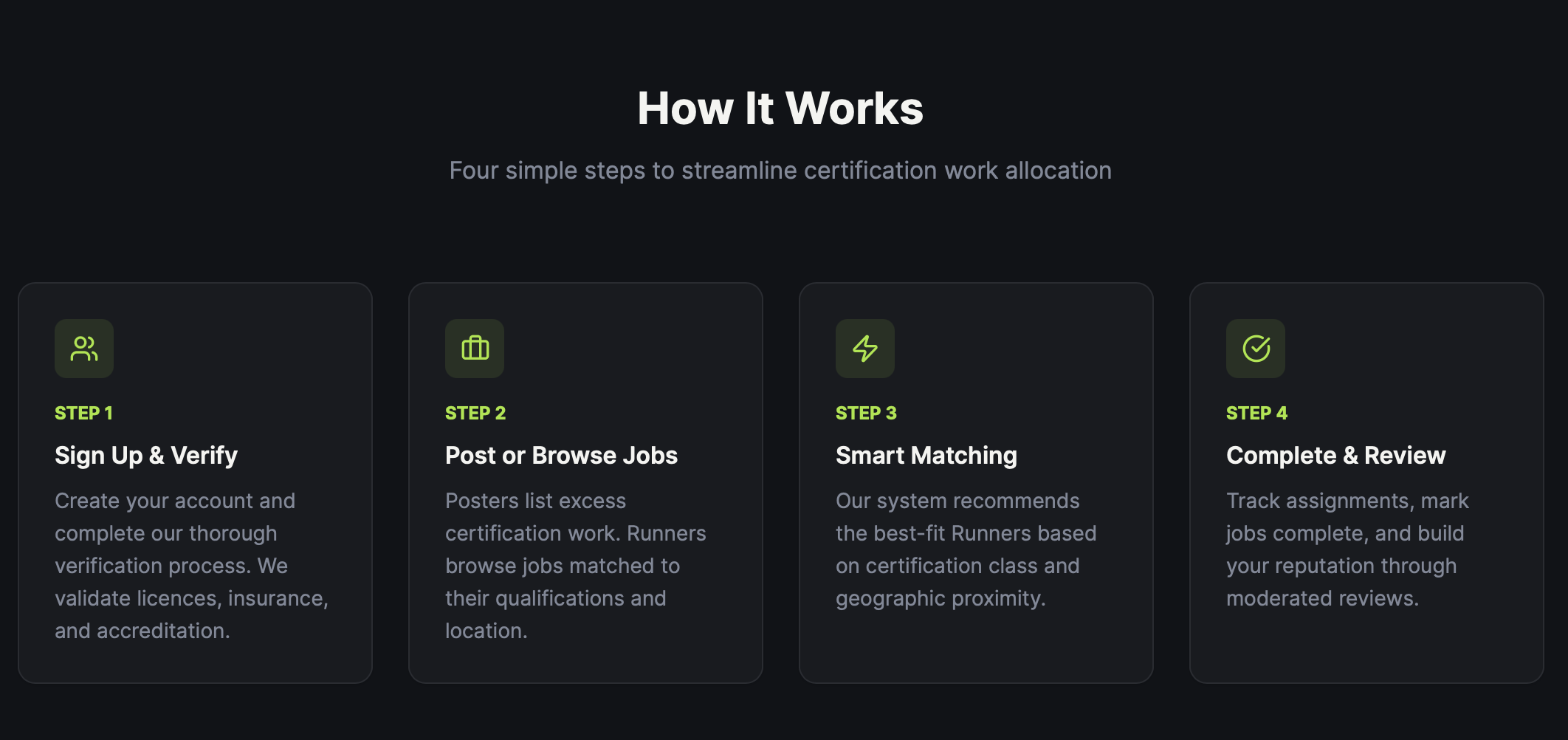
When signing up, you'll choose whether you are joining as a Runner or a Business. If you are looking to complete jobs through the platform, you should select a Runner profile.
To access all features of the app, you'll need to complete a verification process and provide several supporting documents. These documents are used solely to verify your identity, qualifications and experience, helping us maintain a trusted network of professionals.
Businesses cannot view any personal information contained within your verification documents. They will only be able to see relevant details such as your certification level, experience and reviews.
There are several tabs within the app that all serve separate functions. We will help you understand what each tab is for as well as inform you exactly how the dashboard works.
Job completion requires several steps.
As a Runner you will frequently take pictures and notes of points of interest on site in order to submit completion of any one job. Communication between the Business and Runner will be freely accessible within the app.
After submission and job completion both parties - the Runner and Business - can review eachother respectively, based on how a job was provided and/or performed further noting any issues. Following this feature, unfair ratings will be discarded if proven false and will have further resulting action to follow if necessary. These fair reviews help Businesses efficiently select trustworthy runners.
We provide unique solutions for finding and persuing job applications. This includes a feature of a scaleable and explorable map which depicts various jobs sll in their listed areas.